Post by : Sam Jeet Rahman
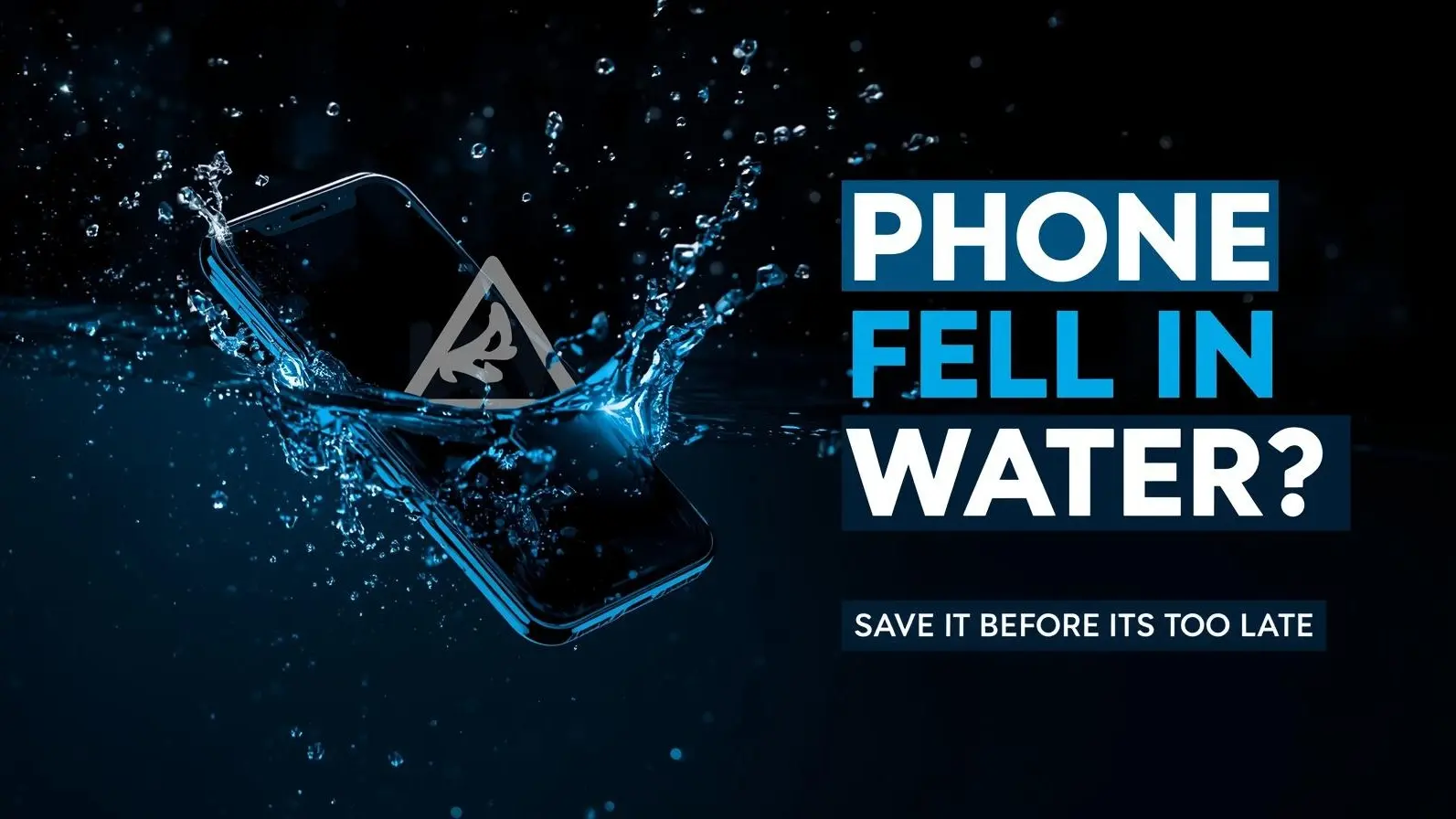
Dropping your smartphone in water is one of those moments that instantly creates panic. Whether it slips into a bucket, falls in the sink, gets soaked in rain, or accidentally lands in a puddle, the first few seconds after the incident are critical. Many people assume their phone is gone forever, but in reality, a large number of water-damaged phones can be saved—if you act quickly and correctly.
Modern smartphones are more advanced than ever, and many come with water resistance features. However, water resistance is not the same as being fully waterproof. Even a small amount of moisture entering the wrong part of the device can cause serious damage to internal circuits, the battery, or the display. What makes things worse is that most of the damage doesn’t happen instantly—it develops over time if proper steps are not taken.
The key is not just reacting fast, but reacting the right way. Many common “quick fixes” that people try can actually make the situation worse. Knowing what to do—and what to avoid—can be the difference between saving your phone and permanently damaging it.
The moment your phone comes into contact with water, the first thing you should do is turn it off. This step is more important than anything else, yet many people ignore it because they want to check if the phone is still working.
Here’s why this matters so much. Inside your phone are tiny electronic circuits that carry electrical current. When water enters the device, it can create unintended connections between these circuits, leading to what is known as a short circuit. This can permanently damage the motherboard, which is one of the most expensive components to repair.
Even if your phone appears to be working normally after falling in water, keeping it on increases the risk of internal damage. The safest action is to:
Many people make the mistake of testing the phone repeatedly—turning it on and off, checking the screen, or trying to use it. This increases the chances of damage. Think of it this way: the phone may survive the water exposure, but it might not survive being used while still wet.
If your phone has already turned off by itself, do not attempt to turn it back on right away. Leave it powered off until you are sure it is completely dry.
Once the phone is turned off, the next step is to remove all external and removable components. This helps in two ways—it prevents further damage and allows moisture to escape more easily.
You should carefully remove:
Removing these parts opens up small gaps in the phone, which improves airflow and helps the drying process. It also protects your data stored in the SIM or memory card from potential damage.
Many people forget to remove the phone case, which can trap water against the device. Even if the outside looks dry, moisture can remain inside the case and continue affecting the phone.
If your phone has a removable battery (rare in modern devices but still possible), take it out immediately. This cuts off all power supply and reduces the risk of electrical damage.
After removing external parts, you need to dry the phone—but this step must be done carefully. The goal is to remove visible water without pushing moisture deeper inside.
Use a clean, soft cloth or tissue to gently pat the phone dry. Focus on areas like:
Avoid rubbing too hard, as this can push water into openings. Also, do not shake the phone aggressively. While it may seem like a good idea to shake out the water, it can actually spread moisture to parts that were previously dry.
One of the biggest mistakes people make is using heat to dry the phone. Avoid:
Heat can damage internal components, melt adhesives, and worsen the situation. Controlled, natural drying is always the safest method.
You’ve probably heard the popular advice of putting a wet phone in rice. While rice can absorb some moisture, it is not the most effective solution—and it comes with its own risks.
A better option is to use silica gel packets, which are designed specifically to absorb moisture. These are often found in packaging boxes for electronics, shoes, or bags. Place your phone in an airtight container with several silica gel packets for better results.
If silica gel is not available, rice can still be used as a backup option. However, be cautious:
Keep the phone in this dry environment for at least 24 to 48 hours. This waiting period is crucial. Even if the phone feels dry on the outside, internal moisture may still be present.
The biggest mistake here is impatience. Many people remove the phone too early and try to turn it on, which can undo all the recovery efforts.
After allowing enough time for drying, you can attempt to turn your phone back on—but this step should be done carefully.
Before powering it on:
When you turn it on, observe how the phone behaves. Look for:
If everything works normally, you’ve likely saved your device. However, if you notice any issues, avoid using the phone extensively and consider getting it checked by a professional technician.
Water damage is not always immediate. Even if your phone starts working after drying, corrosion can develop over time. This can lead to problems days or even weeks later.
That’s why it’s important to:
Many phones that could have been saved end up getting damaged because of simple mistakes. Some of the most common ones include:
Avoiding these mistakes is just as important as following the correct steps.
Many smartphones today are marketed as water-resistant, but this does not mean they are completely safe from water damage.
Water resistance typically protects against:
However, it does not guarantee safety in situations like:
Even water-resistant phones should be treated carefully after exposure.
Dropping your phone in water is stressful, but it doesn’t always mean the end of your device. The outcome depends largely on how you respond in those critical first moments.
Acting quickly, avoiding common mistakes, and giving your phone enough time to dry can significantly improve the chances of recovery. The key is to stay calm, follow the right steps, and most importantly—be patient.
A few minutes of panic can cause more damage than the water itself, but a careful and informed approach can save your phone and your data.
This article is for informational purposes only. Results may vary depending on device type and extent of water exposure. For serious damage, consult a professional technician.

UiTM Unveils 2026 Degree Admission Appeal Outcomes
UiTM reveals appeal outcomes for 2025/2026 Bachelor's programs; students can access offer letters on

WestJet Implements Temporary Fuel Surcharge on Companion Bookings
WestJet announces a $60 surcharge on companion bookings amid rising fuel prices impacting travel cos

Al Hudayriyat Island Becomes Key Abu Dhabi Landmark
Al Hudayriyat Island is transforming Abu Dhabi with luxury living, sports, and tourism projects, boo
Travel Advisors Recommend Insurance as Conflicts Drive Prices Up
With escalating tensions affecting air travel, experts urge passengers to insure their bookings to s

Russia Drone Strike Hits Odesa, Three Killed Overnight
Russian drones struck Ukraine’s Odesa overnight, killing three, injuring ten, and damaging homes, in

Vietnam's Prime Minister Engages with Chinese Envoy in Hanoi
PM Chinh and China's Ambassador He Wei discuss enhancing Vietnam-China trade and strategic ties in H

Abu Dhabi Sees Record 26.6M Visitors in 2025 Growth
Abu Dhabi records 26.6M visitors in 2025, driven by culture, events, and tourism growth, boosting ho


UAE Art Show in Seoul Challenges Stereotypes
Exhibition in Seoul highlights diverse UAE art, moving beyond luxury stereotypes to explore identity

Starbucks Strikes Major Partnership for China Growth
Starbucks teams with Boyu Capital, selling a majority stake in China unit to ramp up store growth an
Couple Among Three Charged in Massive Meth Trafficking Case in Malaysia
Three charged in Malaysia for trafficking 510kg of meth; if convicted, they could face severe penalt

Murder Suspect Returns to Geylang Crime Scene for Investigation
Singapore police revisit Geylang as a 48-year-old suspect faces charges in the fatal stabbing of a 7
NASA Launches Artemis II Crew for 10-Day Lunar Mission
NASA launches Artemis II with four astronauts for a 10-day Moon mission, marking the first crewed lu
Dubai RTA, Ministry Partner for Family First Programme
Dubai RTA and Ministry of Family partner to enhance transport, urban spaces, and services under Fami

Bank of Baroda Faces Abu Dhabi Legal Battle over NMC Collapse
Bank of Baroda’s involvement in Abu Dhabi litigation tied to the NMC Healthcare collapse raises repu

Top Museum Openings of 2026 Set to Transform Global Tourism
From Los Angeles to Abu Dhabi and Brussels, 2026 brings major museum launches—Lucas Museum, Guggenhe