Post by : Sam Jeet Rahman
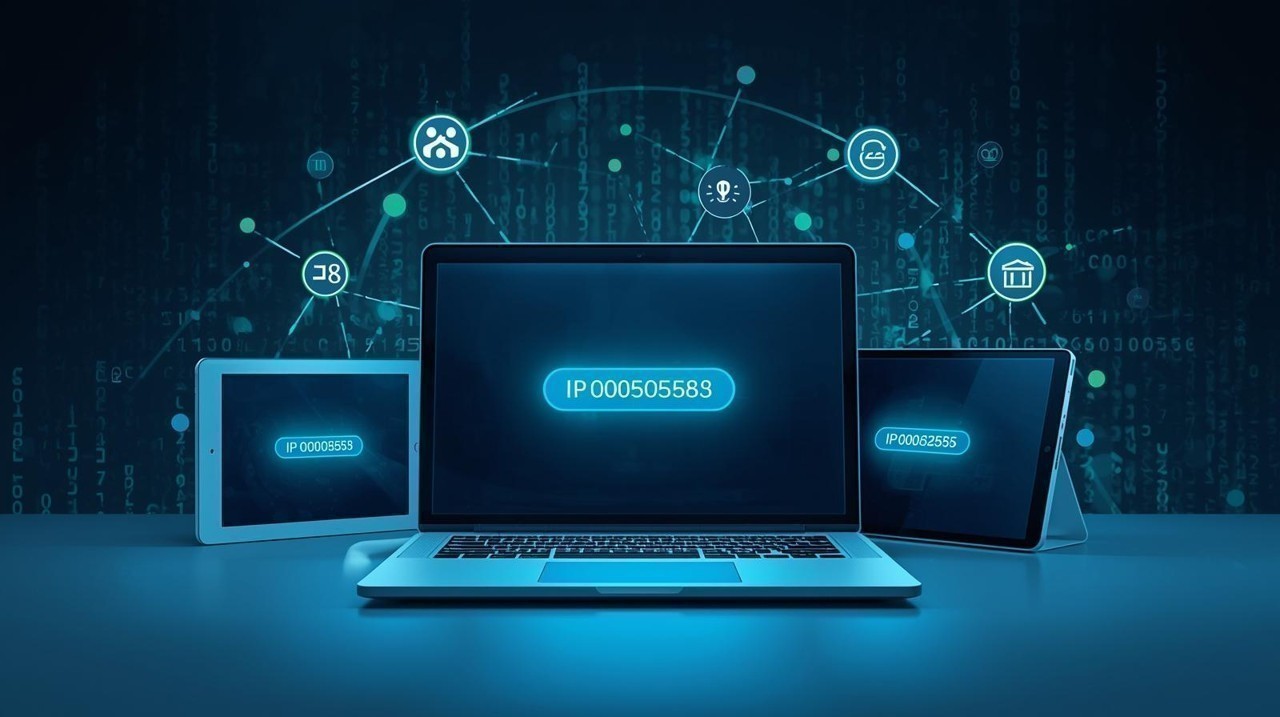
Your IP address is a unique string of numbers that identifies your device on the internet or a local network. Knowing your IP address is important for network troubleshooting, online security, and device configuration. Whether you’re using a Windows PC, Mac, smartphone, or tablet, there are simple ways to find it quickly.
This guide will show you how to find your IP address on any device in 2025, step by step, so you can stay connected and secure.
An IP (Internet Protocol) address is like a digital home address for your device. It allows devices to communicate over the internet or local networks. There are two main types of IP addresses:
IPv4: A numeric format like 192.168.1.1, most commonly used.
IPv6: A longer alphanumeric format, e.g., 2001:0db8:85a3:0000:0000:8a2e:0370:7334, designed for future networks.
Understanding your IP address is crucial for network troubleshooting, online privacy, and accessing certain services.
Finding your IP on a Windows computer is simple:
Method 1: Using Command Prompt
Press Windows + R to open the Run dialog.
Type cmd and hit Enter.
Type ipconfig and press Enter.
Look for IPv4 Address under your network adapter.
Method 2: Using Settings
Go to Settings > Network & Internet.
Select your active network (Wi-Fi or Ethernet).
Scroll to Properties to see your IP address.
On Mac devices, you can easily find your IP address:
Method 1: Using System Preferences
Open System Preferences > Network.
Select your active network.
Your IP address will appear on the right.
Method 2: Using Terminal
Open Terminal.
Type ifconfig | grep inet and press Enter.
Look for the inet address under your active network interface.
Finding your IP on an Android device is straightforward:
Go to Settings > Network & Internet > Wi-Fi.
Tap on your connected Wi-Fi network.
Scroll to Advanced or Network Details.
Your IP address will be listed.
For iOS devices, follow these steps:
Open Settings > Wi-Fi.
Tap the info icon (i) next to your connected network.
Your IP address will appear under IPV4 Address.
Your public IP address is the one visible to websites and online services.
Open a web browser and visit websites like WhatIsMyIP.com or IPChicken.com.
Your public IPv4 and IPv6 addresses will be displayed immediately.
Tip: Avoid sharing your public IP on unsecured platforms for privacy reasons.
Dynamic vs Static IP: Most home networks use dynamic IPs that change periodically, while static IPs remain fixed.
Private vs Public IP: Your device may have a private IP within your home network and a public IP visible to the internet.
Security: Knowing your IP helps in setting up firewalls, VPNs, and parental controls.
Q1: What is the difference between IPv4 and IPv6?
IPv4 uses numeric addresses (e.g., 192.168.1.1) and is limited in number. IPv6 uses a long alphanumeric format and provides more addresses for the growing number of devices.
Q2: Can my IP address reveal my location?
Yes, your public IP address can give a general idea of your city or region, but it won’t reveal your exact home address.
Q3: Why would I need to know my IP address?
You may need it for network troubleshooting, connecting devices, gaming, remote access, or setting up VPNs.
Q4: How can I protect my IP address?
Use a VPN, avoid sharing public IPs on unsecured platforms, and regularly update network security.
Q5: Can my IP address change?
Yes. If you use a dynamic IP, it may change whenever your router reconnects or after a certain period.

Qatar, Italy Leaders Discuss Regional Stability & Energy Ties
Qatar’s Emir and Italy’s Prime Minister discuss regional stability, energy security, and economic co

Danube Launches Signature Master-Planned Community
Danube Properties unveils Greenz By Danube in Dubai, offering luxury villas, townhouses, 50+ ameniti

Neoterra breaks ground on ELMORA, unveils new project
Neoterra begins ELMORA construction in Jumeirah Garden City and announces a new residential project
WINGIE Launches AI Refund System for Airline Travelers
WINGIE introduces AI-driven refund technology, enabling seamless, fully digital airline refund proce

Dubai property sales surge to AED176.7B in Q1 2026
Dubai records AED176.7B property sales in Q1 2026, with rising values, steady transaction growth and

Russia Strikes Northeast Ukraine, 4 Killed, 11 Injured
Russian drone and missile attacks on northeast Ukraine killed 4 and injured 11, with major strikes r

Selena Gomez Leads Candy Pink Trend in 2026 Fashion
Selena Gomez embraces candy pink fashion at a Rare Beauty event, highlighting 2026’s biggest color t


UAE Art Show in Seoul Challenges Stereotypes
Exhibition in Seoul highlights diverse UAE art, moving beyond luxury stereotypes to explore identity

Starbucks Strikes Major Partnership for China Growth
Starbucks teams with Boyu Capital, selling a majority stake in China unit to ramp up store growth an

Couple Among Three Charged in Massive Meth Trafficking Case in Malaysia
Three charged in Malaysia for trafficking 510kg of meth; if convicted, they could face severe penalt

Murder Suspect Returns to Geylang Crime Scene for Investigation
Singapore police revisit Geylang as a 48-year-old suspect faces charges in the fatal stabbing of a 7

NASA Launches Artemis II Crew for 10-Day Lunar Mission
NASA launches Artemis II with four astronauts for a 10-day Moon mission, marking the first crewed lu

Dubai RTA, Ministry Partner for Family First Programme
Dubai RTA and Ministry of Family partner to enhance transport, urban spaces, and services under Fami

Bank of Baroda Faces Abu Dhabi Legal Battle over NMC Collapse
Bank of Baroda’s involvement in Abu Dhabi litigation tied to the NMC Healthcare collapse raises repu

Top Museum Openings of 2026 Set to Transform Global Tourism
From Los Angeles to Abu Dhabi and Brussels, 2026 brings major museum launches—Lucas Museum, Guggenhe