Post by : Sam Jeet Rahman
When a laptop becomes slow, most people assume they must replace it. But in many cases, the laptop is not the problem—its storage, background apps, cluttered system files, or outdated software cause the slowdown. With the right maintenance and optimization, an old laptop can feel significantly faster without spending money on new hardware. The goal is to remove unnecessary load from the system, free up resources, and make the laptop run smoothly again. Below are ten effective, practical steps that work for both Windows and macOS, explained in detail so you can revive your device and improve its lifespan.
Over time, laptops collect thousands of temporary files, caches, logs, and leftover installation data. These occupy storage and slow down performance, especially on laptops with limited SSD or HDD space.
Temporary files take up space that the system needs to run smoothly. When the storage becomes 80 percent full, both Windows and macOS slow down noticeably.
Use built-in tools like Disk Cleanup (Windows) or Storage Management (macOS). Delete temporary files, cache folders, old update files, and unused system data.
Many old laptops slow down because they are overloaded with software installed years ago but rarely used now.
Unused apps still take up internal space, many run background services, and some launch at startup.
Review your installed programs, remove tools you don’t need, delete trial versions, old games, unnecessary drivers, outdated antivirus software, and duplicate apps.
When your laptop starts, dozens of programs may load automatically. This increases boot time and occupies RAM from the moment the system switches on.
Open Task Manager on Windows or Login Items on macOS and disable apps that you don’t need at startup.
Only essentials like system services, antivirus, and drivers. Everything else slows down your boot.
Heavy browsers can slow down old hardware significantly.
Multiple tabs consume RAM, and browser extensions run in the background. Some extensions also track activity or consume processor power.
Clear browser data frequently, disable extensions you don’t use, turn off ad-heavy plugins, and limit open tabs. Use lighter browsers if needed.
Updates improve performance, fix bugs, and patch security vulnerabilities.
Manufacturers optimize software to run better, even on older hardware. Updates also remove outdated system components that slow down the machine.
Avoid upgrading to OS versions that are too heavy for your hardware. Choose stable, recommended options.
A cluttered desktop seems harmless, but every icon is treated as a small file the system loads at startup.
A full desktop increases boot time and slows graphics processing.
Keep only essential icons. Move files to folders instead of storing them on the desktop.
Old laptops struggle when they are set to maximum visual effects.
Reducing animations and visual effects lightens the system load.
On Windows, change Performance Options to “Adjust for best performance.” On macOS, turn off transparency and reduce motion. This frees up processing power for actual tasks.
Malware, adware, and excessive security tools consume memory, internet bandwidth, and CPU.
Malicious programs run hidden processes that overwhelm system resources. Similarly, multiple security apps running together slow everything down.
Use one trusted antivirus, remove overlaps, and run a full system scan to detect and delete threats.
Large files like movies, high-resolution images, software installers, and backups fill up your drive quickly.
Low disk space makes the system slower, especially older HDDs.
Move large files to cloud storage or an external drive. Keep internal storage light for better speed.
Hard disk drives become fragmented over time. This means data is scattered across the physical disk and takes longer to access.
If your laptop has an HDD, run the Disk Defragment tool regularly. If it has an SSD, use the built-in storage optimization tool instead. SSDs should never be defragmented.
Reviving an old laptop requires understanding what slows it down. Most issues come from unnecessary apps, cluttered files, heavy startup settings, malware, and outdated configurations. By following the above steps, even an older laptop can become smoother, faster, and more reliable. You don’t need to spend money on new hardware immediately; good maintenance can add years to your laptop’s life. If performance still struggles after all optimizations, then considering a RAM upgrade or switching from HDD to SSD can provide a major boost, but these are optional, not mandatory.
This article provides general troubleshooting recommendations intended to help improve laptop performance. Actual results may vary depending on the age, condition, and hardware of your device. These steps are safe for most users, but always back up your data before making system changes. For issues involving hardware failure or advanced repair, consult a certified technician.

7.4 Quake Hits Indonesia, Tsunami Waves Recorded
A 7.4 magnitude earthquake off Indonesia triggered small tsunami waves, killing one person and damag
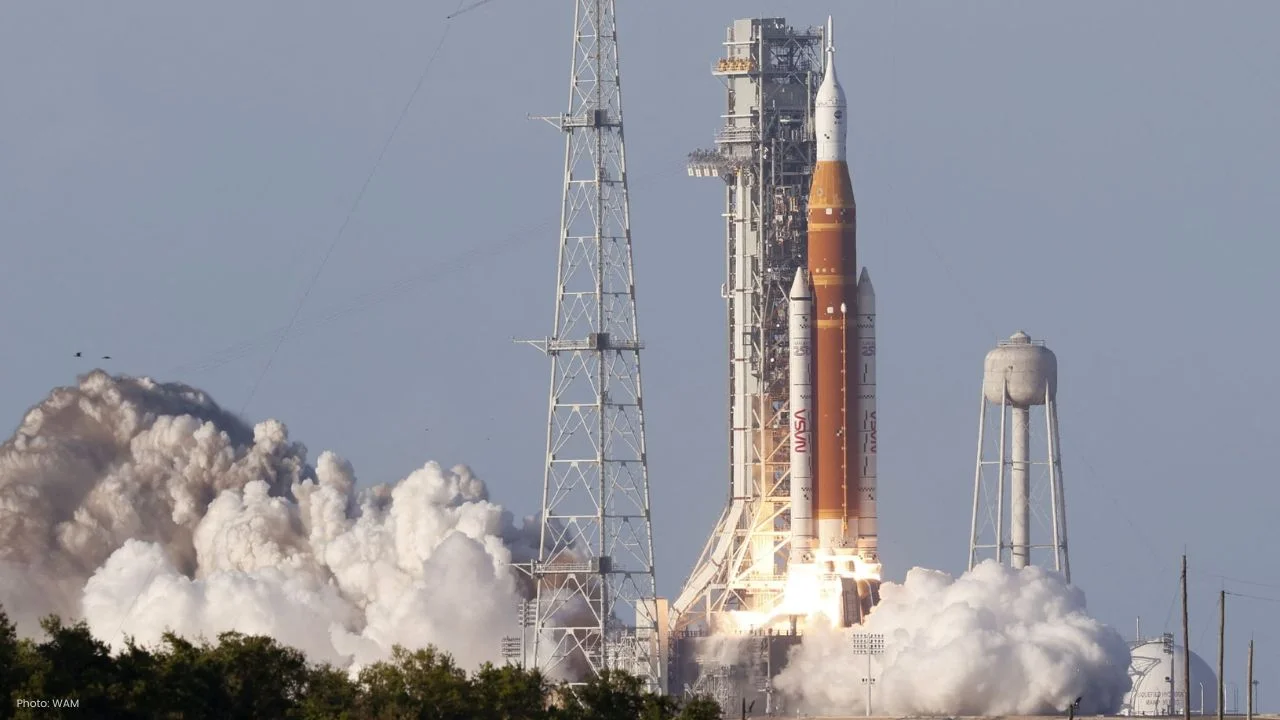
NASA Launches Artemis II Crew for 10-Day Lunar Mission
NASA launches Artemis II with four astronauts for a 10-day Moon mission, marking the first crewed lu
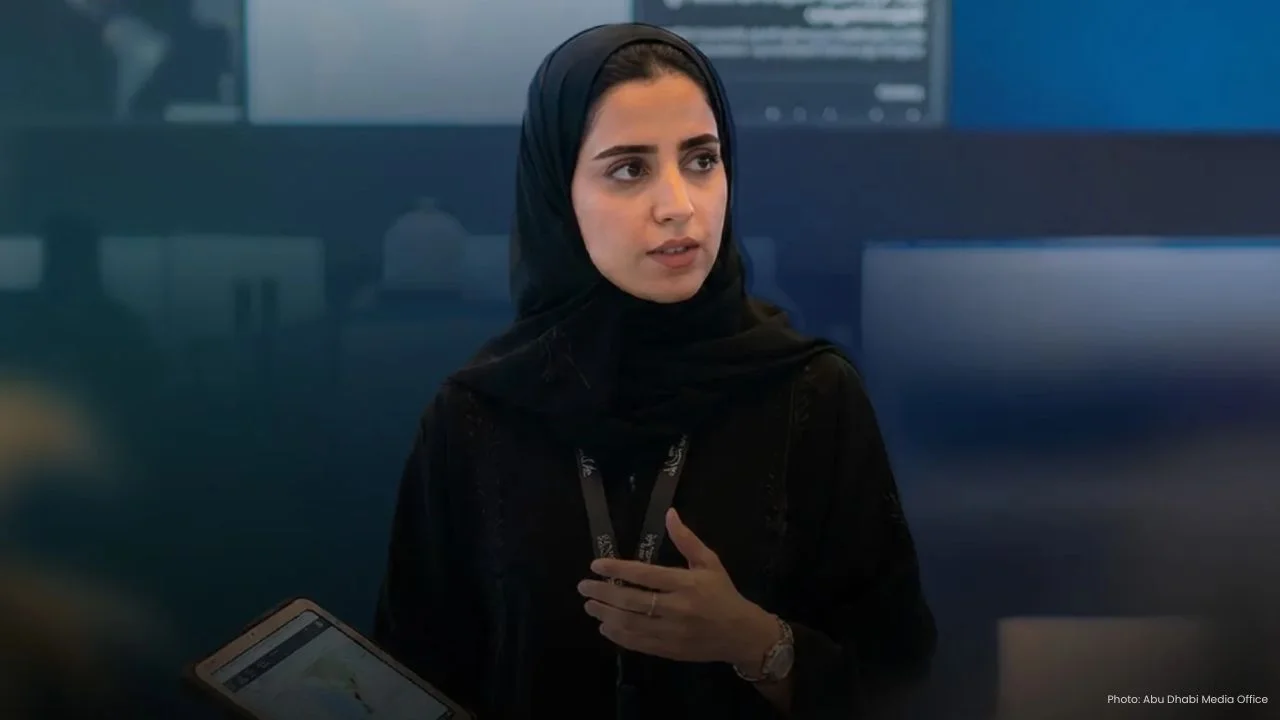
Abu Dhabi Launches Youth Emergency Response Initiative
Abu Dhabi launches youth emergency initiative to boost preparedness, train young talent, and strengt
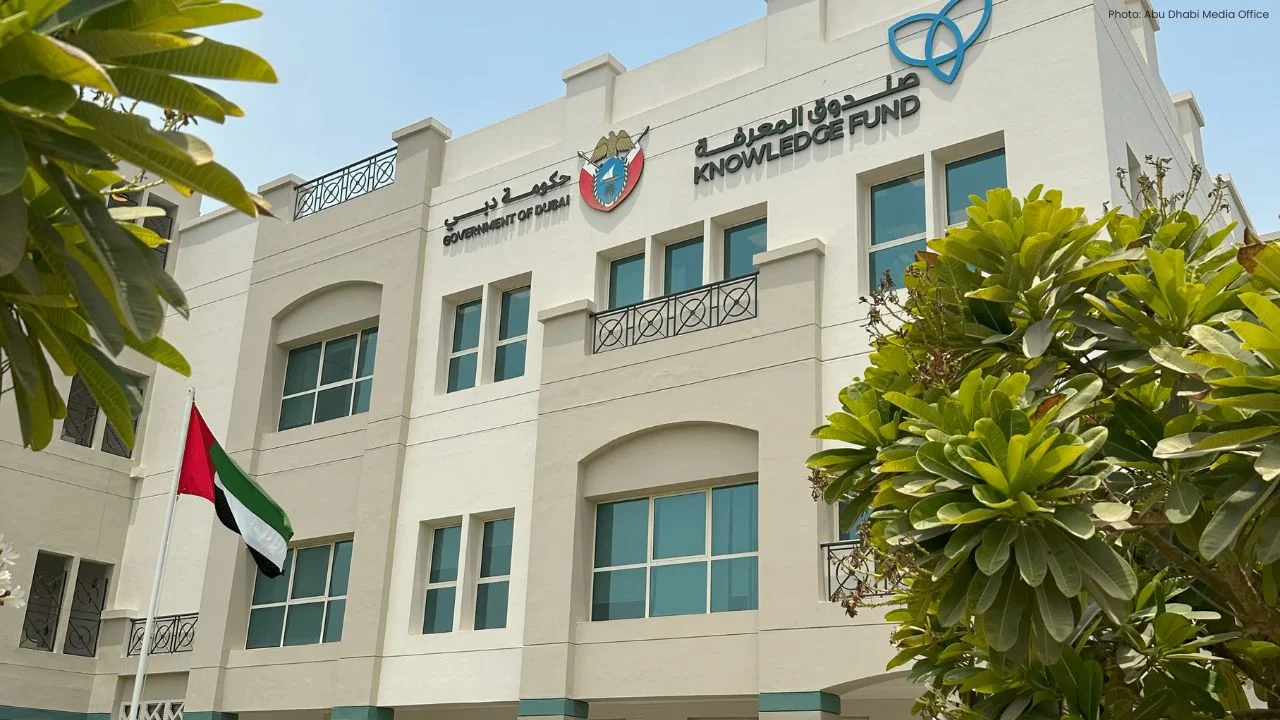
Dubai KFE Unveils 2026–2028 Knowledge Economy Plan
Dubai’s KFE launches 2026–2028 plan to expand education, create 35,000 seats, boost talent, and buil
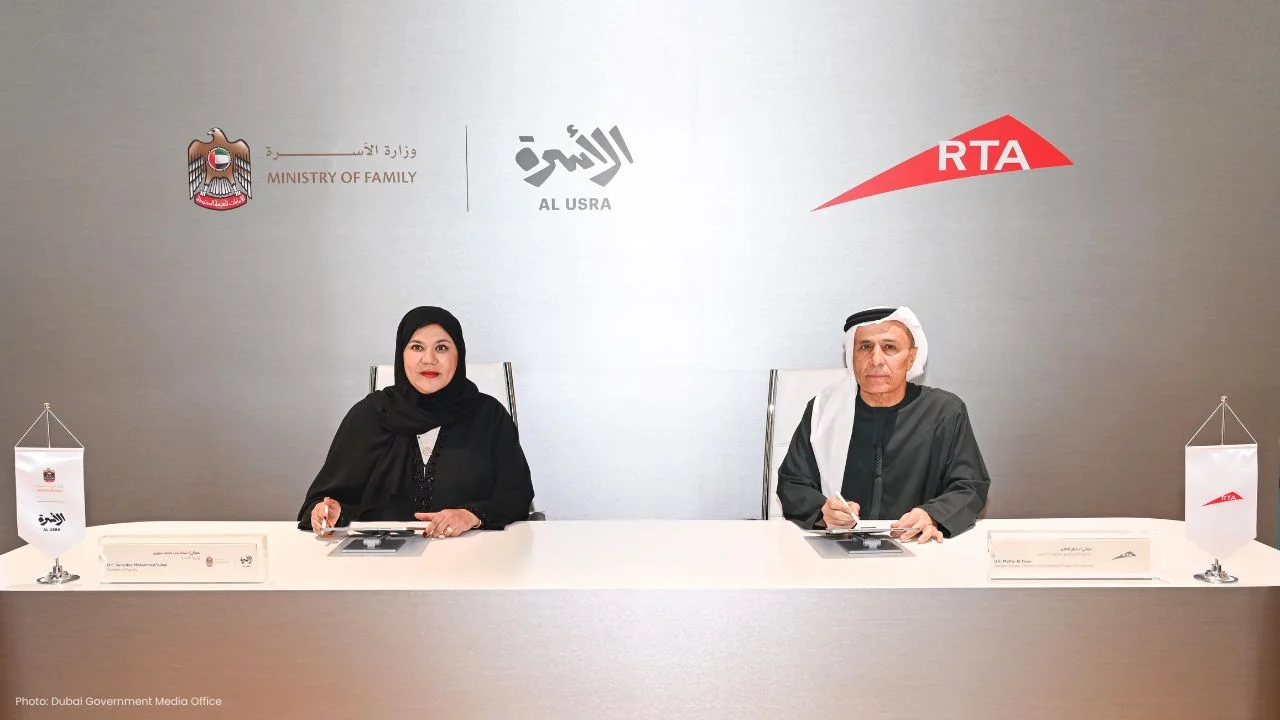
Dubai RTA, Ministry Partner for Family First Programme
Dubai RTA and Ministry of Family partner to enhance transport, urban spaces, and services under Fami
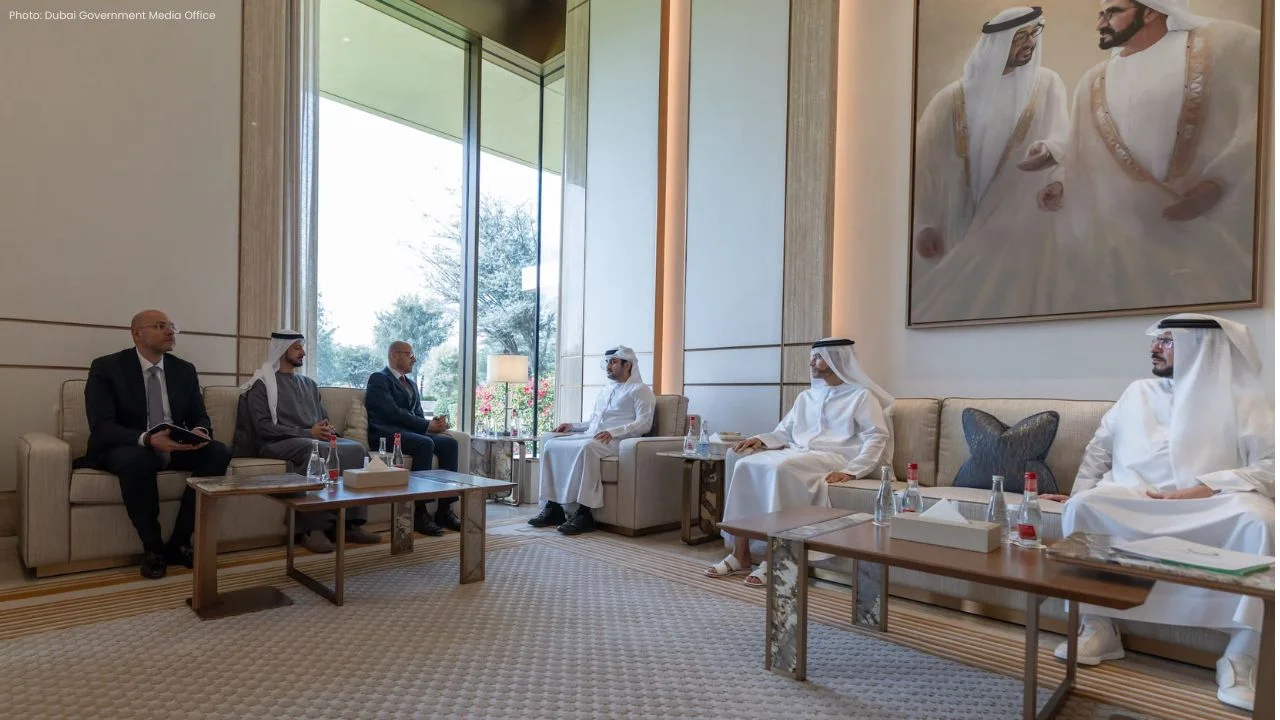
Dubai Strengthens Clean Energy Ties with Siemens Energy
Dubai leaders met Siemens Energy CEO to boost clean energy ties and accelerate low-carbon transition

Dubai Launches Commercial Driverless Taxis with Apollo Go
Dubai Taxi Company partners with Baidu’s Apollo Go to launch driverless taxis, advancing Dubai’s sma

NASA Launches Artemis II Crew for 10-Day Lunar Mission
NASA launches Artemis II with four astronauts for a 10-day Moon mission, marking the first crewed lu
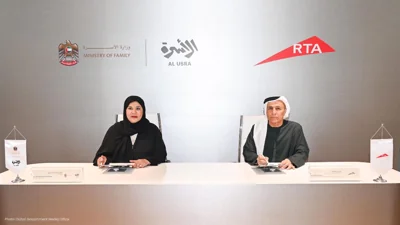
Dubai RTA, Ministry Partner for Family First Programme
Dubai RTA and Ministry of Family partner to enhance transport, urban spaces, and services under Fami

Bank of Baroda Faces Abu Dhabi Legal Battle over NMC Collapse
Bank of Baroda’s involvement in Abu Dhabi litigation tied to the NMC Healthcare collapse raises repu
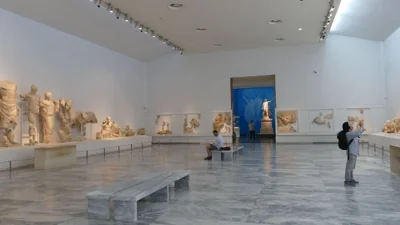
Top Museum Openings of 2026 Set to Transform Global Tourism
From Los Angeles to Abu Dhabi and Brussels, 2026 brings major museum launches—Lucas Museum, Guggenhe

UAE Tour Highlights UAE’s Strength in Hosting Global Sports Events
Abu Dhabi Sports Council says the successful UAE Tour reflects the UAE’s leading role in hosting maj

EU Seeks Clarity from US After Supreme Court IEEPA Ruling
European Commission urges full transparency from the US on steps after Supreme Court ruling, emphasi
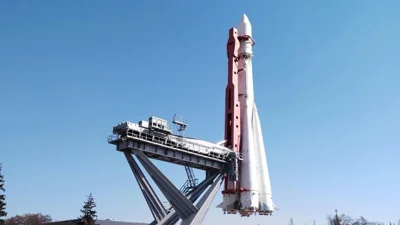
SpaceX Launches 53 New Satellites for Expanding Starlink Network
SpaceX launches 53 Starlink satellites in two Falcon 9 missions, breaking reuse records and expandin

RTA Awards Contract for Phase II of Hessa Street Upgrade in Dubai
Phase II of Hessa Street Development to add bridges, tunnel, and upgraded intersections, doubling ca