Post by : Zayd Kamal
Laptops are very useful these days. We use them for work, school, games, and watching movies. But one problem many people face is that their laptop gets too hot. If your laptop feels very hot or makes loud fan noises, it means something is wrong.
The good thing is that this problem is common, and you don’t always need to go to a shop to fix it. You can try some simple things at home to cool down your laptop and make it work better.
In this article, we will explain why your laptop gets hot and share 5 easy ways to fix it at home.
Laptops get hot when they work hard, especially when you play games or use heavy apps. But if the heat cannot go out properly, your laptop gets hotter than normal. This can slow down your laptop or even damage it.
Here are some common reasons why your laptop gets too hot:
Dust is blocking the air vents or fans
You use your laptop on beds or couches
Too many apps or heavy programs running at the same time
Cooling system inside the laptop is weak or broken
The special cooling paste inside the laptop has dried up
When laptops get too hot, they slow down and can break if the problem is not fixed. That’s why it is important to solve the issue quickly.
If your laptop gets too hot, don’t worry. Try these simple steps to cool it down at home:
Dust often blocks the vents and fans of your laptop. This stops the hot air from going out.
How to Fix:
Turn off your laptop and unplug it. Use a can of air spray to blow out the dust from the vents. You can also use a soft brush to clean the vents gently.
Tip:
If you know how to open the back cover of your laptop safely, you can clean the fans better from the inside. But only do this if you are sure how to open it.
If you use your laptop on beds, sofas, or on your lap, the vents get blocked. This traps the heat.
How to Fix:
Use your laptop on a hard, flat surface like a table or desk. This helps the hot air go out easily.
Tip:
You can also buy a laptop cooling pad. It is a stand with small fans that keep your laptop cool.
If you run too many apps or programs at the same time, your laptop works harder and gets hot.
How to Fix:
Check your task manager (press Ctrl + Shift + Esc on most laptops) to see which apps are running. Close the apps and programs you are not using.
Tip:
Restart your laptop often to clear unnecessary background tasks.
Old software or drivers can make your laptop work harder, causing more heat.
How to Fix:
Update your operating system, drivers, and BIOS regularly. These updates can help your laptop stay cool and work better.
Tip:
Check your laptop brand’s website for the latest updates.
Inside your laptop, a special paste called thermal paste helps to cool the processor. Over time, this paste dries out and stops working well.
How to Fix:
If your laptop still gets hot after trying other fixes, it may be time to change the thermal paste. If you are not confident, visit a service center to get this done.
Tip:
If the fans are broken or your laptop is very old, replacing the fans can help.
Don’t use your laptop in direct sunlight or very hot places
Keep your table or desk clean from dust
Use power-saving mode to reduce extra heat
Don’t keep your laptop charging all the time unnecessarily
If your laptop keeps getting hot even after trying these tips, it may have a bigger problem inside. Things like a broken fan, damaged hardware, or motherboard issues need expert help. In that case, visit a laptop service center.
Laptop overheating is a common problem, but you can fix it easily at home. Simple steps like cleaning the vents, using your laptop properly, and keeping it updated can help your laptop stay cool.
Taking care of your laptop can make it last longer and work better. So, if your laptop gets too hot, don’t worry. Try these simple tips and enjoy using your laptop without any problems.
The information shared in this article is for general awareness only. Actual laptop issues may vary based on device models and conditions. DXB news network is not responsible for any damage or problems that may occur after applying these tips. For serious technical issues, please consult a certified technician.
ADNOC Reviews Crisis Plans Amid Regional Security Threats
Abu Dhabi Crown Prince reviews ADNOC’s crisis plans, ensuring energy supply continuity, staff safety

ADNOC wins 14 top honors at Oil & Gas Awards 2026
ADNOC bags 14 awards at Oil & Gas Middle East Awards 2026, showcasing excellence in innovation, sust
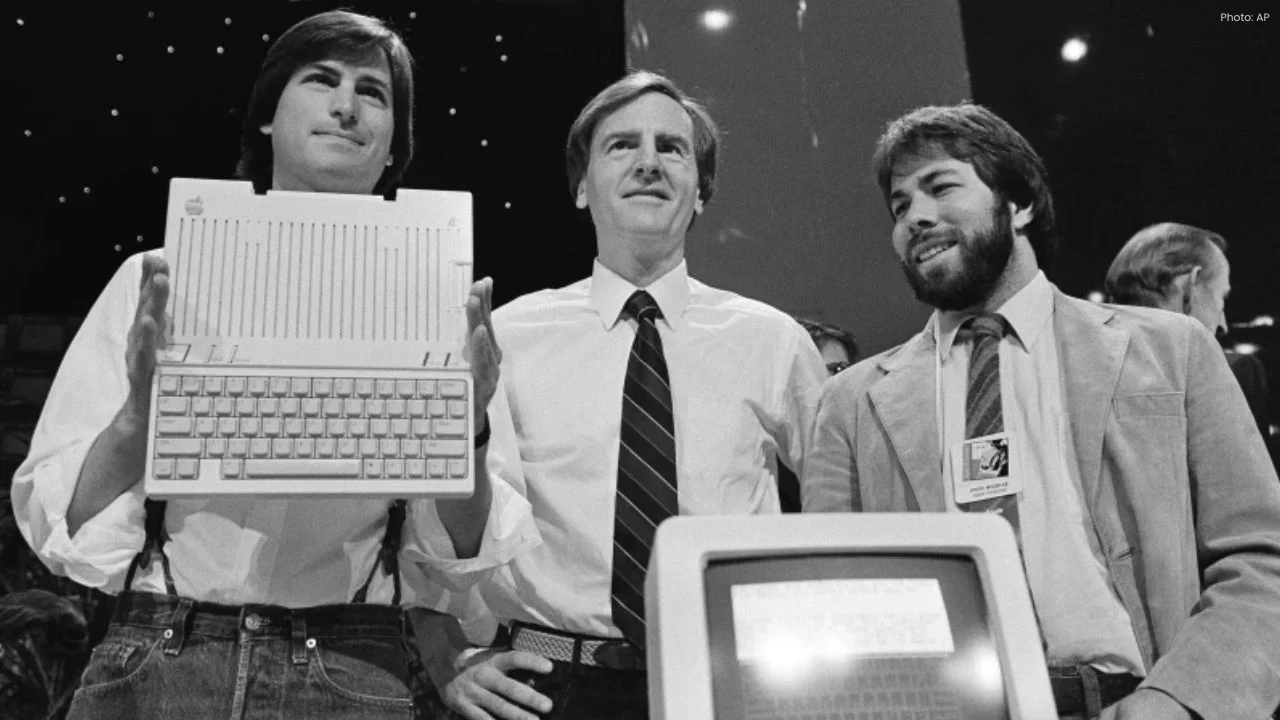
Apple’s 50-Year Journey: From Garage Startup to Giant
Apple marks 50 years from its humble garage beginnings to a $3.7 trillion tech giant, driven by inno

Masdar, TotalEnergies Launch $2.2bn Asia Clean Energy JV
Masdar and TotalEnergies sign $2.2bn JV to expand solar, wind and storage projects across Asia, targ
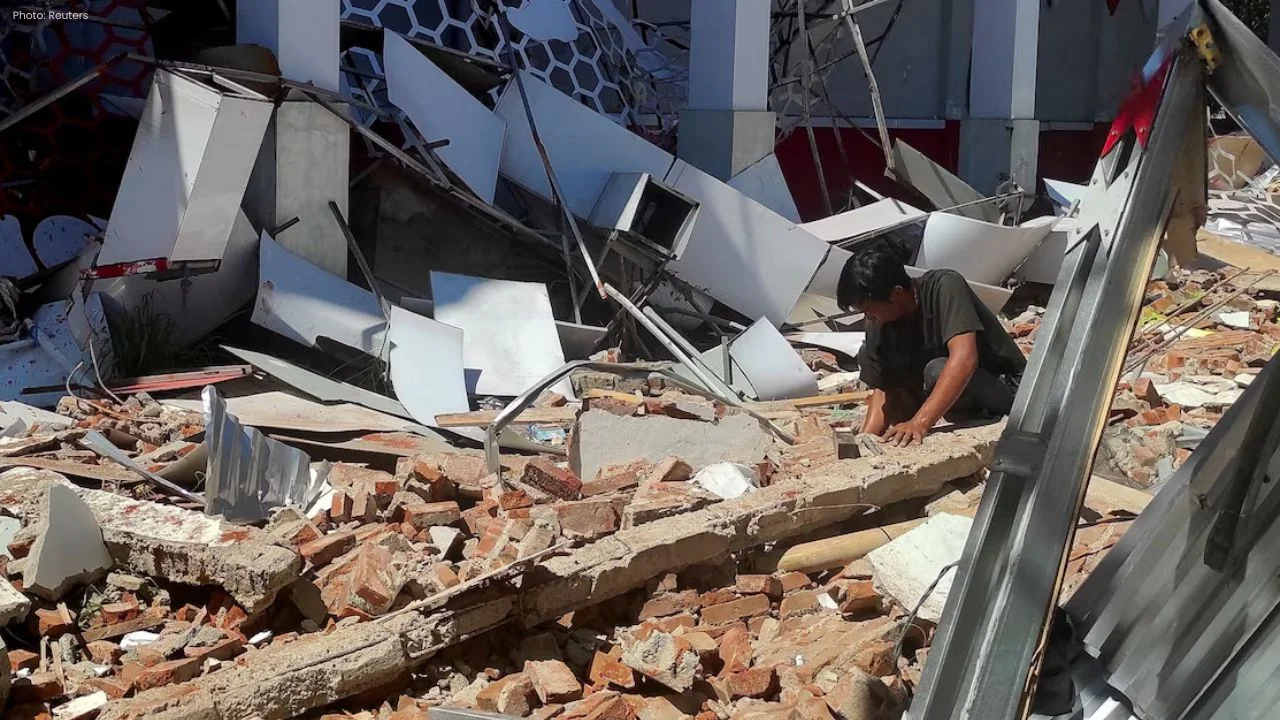
7.4 Quake Hits Indonesia, Tsunami Waves Recorded
A 7.4 magnitude earthquake off Indonesia triggered small tsunami waves, killing one person and damag
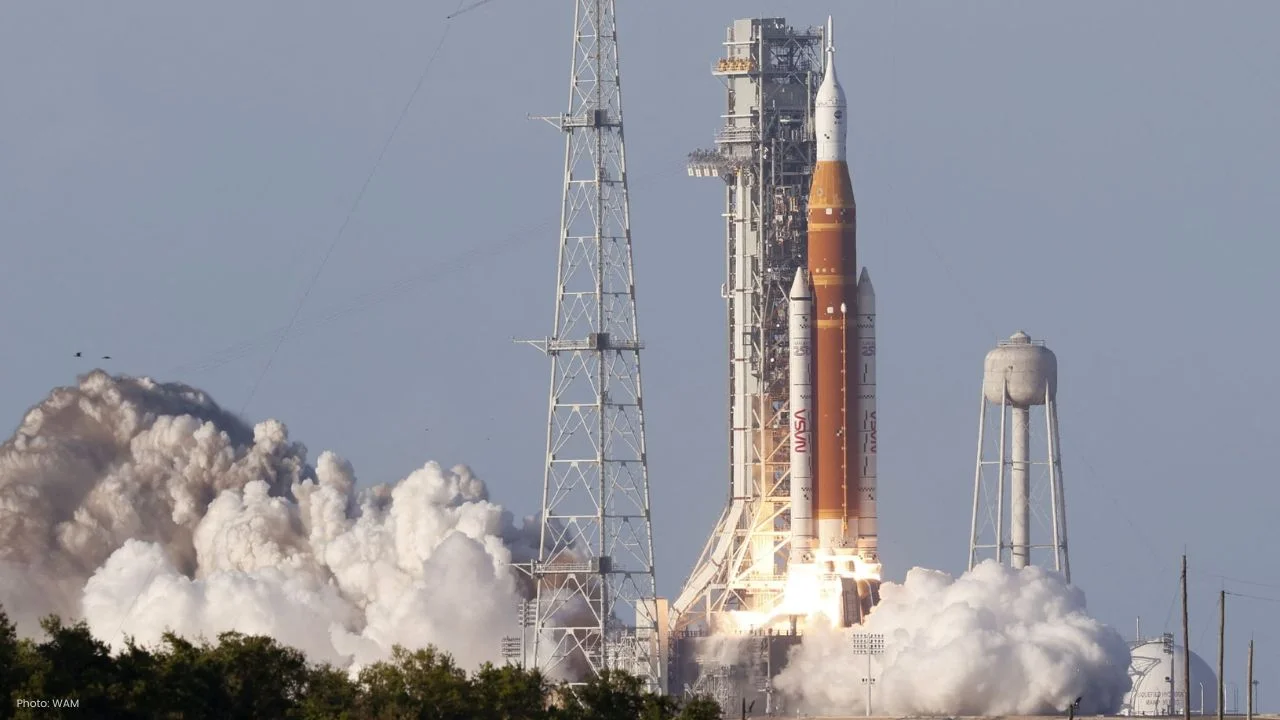
NASA Launches Artemis II Crew for 10-Day Lunar Mission
NASA launches Artemis II with four astronauts for a 10-day Moon mission, marking the first crewed lu
Abu Dhabi Launches Youth Emergency Response Initiative
Abu Dhabi launches youth emergency initiative to boost preparedness, train young talent, and strengt

NASA Launches Artemis II Crew for 10-Day Lunar Mission
NASA launches Artemis II with four astronauts for a 10-day Moon mission, marking the first crewed lu
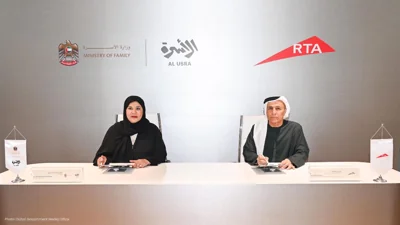
Dubai RTA, Ministry Partner for Family First Programme
Dubai RTA and Ministry of Family partner to enhance transport, urban spaces, and services under Fami
Bank of Baroda Faces Abu Dhabi Legal Battle over NMC Collapse
Bank of Baroda’s involvement in Abu Dhabi litigation tied to the NMC Healthcare collapse raises repu

Top Museum Openings of 2026 Set to Transform Global Tourism
From Los Angeles to Abu Dhabi and Brussels, 2026 brings major museum launches—Lucas Museum, Guggenhe

UAE Tour Highlights UAE’s Strength in Hosting Global Sports Events
Abu Dhabi Sports Council says the successful UAE Tour reflects the UAE’s leading role in hosting maj

EU Seeks Clarity from US After Supreme Court IEEPA Ruling
European Commission urges full transparency from the US on steps after Supreme Court ruling, emphasi

SpaceX Launches 53 New Satellites for Expanding Starlink Network
SpaceX launches 53 Starlink satellites in two Falcon 9 missions, breaking reuse records and expandin

RTA Awards Contract for Phase II of Hessa Street Upgrade in Dubai
Phase II of Hessa Street Development to add bridges, tunnel, and upgraded intersections, doubling ca