Post by : Sam Jeet Rahman
Why auto-pay subscriptions quietly drain your money every month
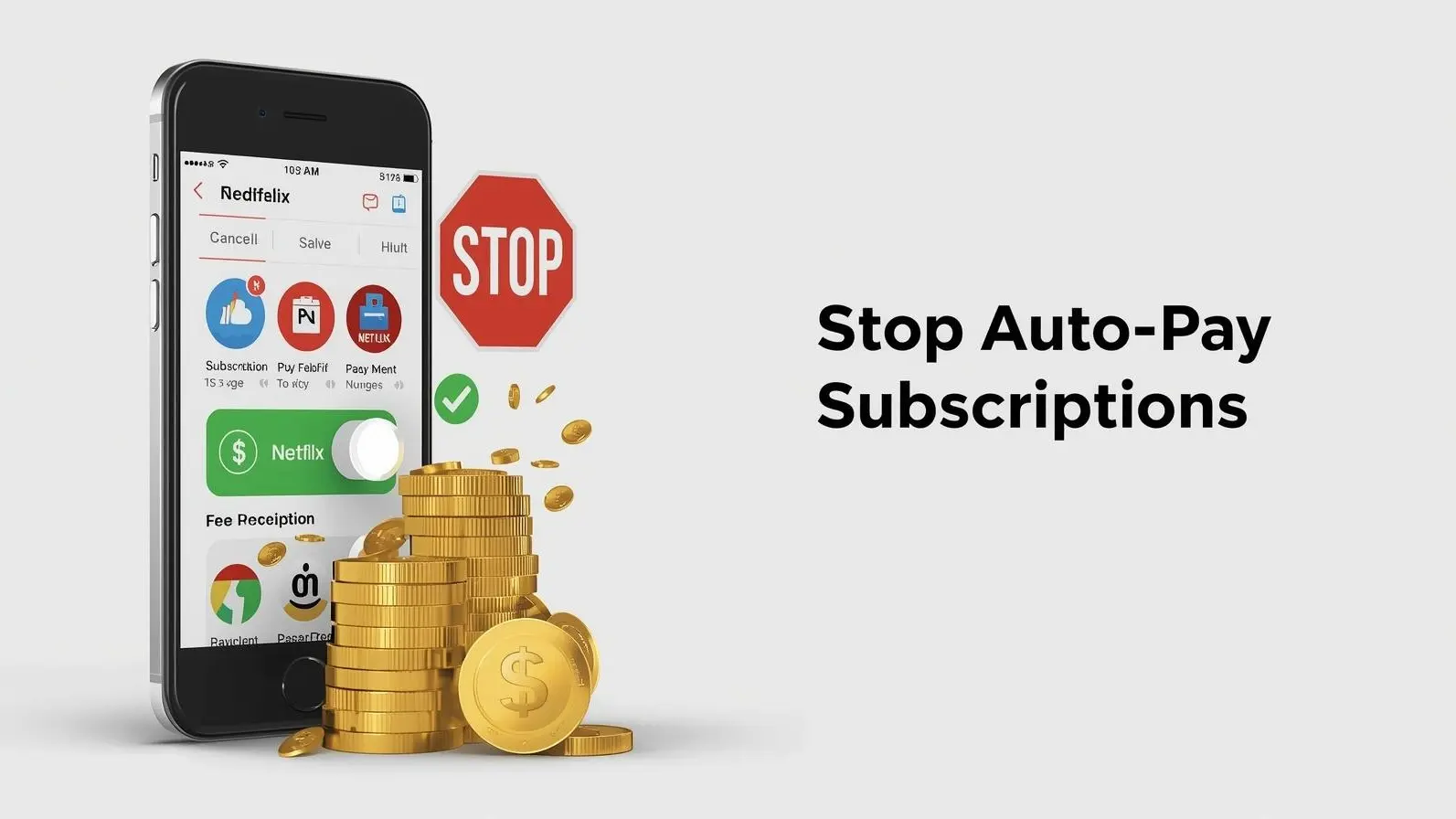
Auto-pay subscriptions are convenient—until they’re not. Many of us sign up for free trials, streaming services, apps, or premium tools without thinking too much about the long-term cost. What starts as a small monthly fee slowly turns into a regular expense that goes unnoticed.
The problem is not just about spending money. It’s about losing control over your finances. Subscriptions renew automatically, and unless you actively track them, they continue charging your account even when you are not using the service.
In today’s digital world, managing your auto-pay subscriptions, recurring payments, and mobile billing settings has become an essential part of personal finance. The good news is that turning off these subscriptions is not complicated—you just need to know where to look and what steps to follow.
Before canceling subscriptions, it’s important to understand how they are set up.
Most auto-pay subscriptions are linked to:
Once you subscribe to a service, it gets permission to charge you automatically at regular intervals—monthly, quarterly, or yearly.
These subscriptions can include:
Since payments are automated, many users forget about them completely. That’s why reviewing your subscriptions regularly is crucial for better money management and expense control.
The first step is to identify which subscriptions are currently active.
On most smartphones, you can find this in your account settings. This section shows:
This step is important because it gives you a clear picture of where your money is going. Many people are surprised to find services they no longer use still being charged.
Once you have this list, you can decide which subscriptions to keep and which ones to cancel.
If you are using an Android device, most subscriptions are managed through the Google Play Store.
To turn off auto-pay subscriptions:
After cancellation, the subscription will remain active until the end of the billing cycle, but you will not be charged again.
For iPhone users, subscriptions are managed through your Apple ID settings.
Follow these steps:
This process ensures that your recurring payment is stopped, and you won’t be billed in the next cycle.
Not all subscriptions are managed through app stores. Some are linked directly to payment platforms like Google Pay or PhonePe.
To cancel these:
This step is important because even if you delete an app, the payment mandate may still be active.
Sometimes, subscriptions are harder to locate because they are linked directly to a website instead of your phone.
In such cases:
Canceling directly from the website ensures the payment stops completely.
One of the biggest misconceptions is that deleting an app will stop the charges. Unfortunately, this is not true.
Subscriptions are linked to your account, not the app itself. This means:
Understanding this helps avoid unnecessary charges and improves your financial awareness.
Managing subscriptions is not just about canceling them—it’s also about preventing unwanted ones.
To avoid future issues:
These small habits can save you a significant amount of money over time.
Many subscriptions seem affordable individually, but together they can become a financial burden.
For example:
Tracking and controlling these expenses helps you stay in charge of your budget.
In today’s digital economy, subscriptions are everywhere. From entertainment to productivity tools, everything is moving towards a recurring payment model.
Learning how to manage these payments is an essential life skill. It helps you:
This is especially important for students and young professionals who are just starting to manage their finances.
Auto-pay subscriptions are designed for convenience, but they can easily turn into unnoticed expenses. By taking a few minutes to review and manage your subscriptions, you can save money and avoid unnecessary charges.
The key is awareness. Once you understand where your money is going, you can make better decisions and stay in control of your finances.
Start today—check your subscriptions, cancel what you don’t need, and build smarter financial habits.
This article is for informational purposes only. Steps may vary depending on device, operating system, and app updates. Users should follow official platform guidelines for accurate instructions.

Punjabi Radio Host Sentenced to 5.5 Years in Canada for Drug Smuggling
A Punjabi radio and TV personality received a 5.5-year sentence in Canada for trafficking 108 kg of

Summer in Canada: Warmer Ahead, with a Cool Spot
Experts predict a hotter-than-normal summer in 2026 for Canada, except for one area expecting cooler

Crackdown on Illegal Workers in Batam, Indonesia
Indonesia detains six foreign workers in Batam for illegal employment as immigration enforcement int

UAE Submits 10th Nuclear Safety Report to IAEA Review
UAE presents its 10th CNS report at IAEA, highlighting Barakah plant success, stronger regulations,

Satellite Insights Transform Tsunami Wave Understanding
New satellite observations redefine tsunami behavior, showing intricate wave patterns that challenge

Spirit Airlines on the Verge of Liquidation Due to Escalating Costs
Spirit Airlines may soon face liquidation amidst escalating fuel prices and ongoing financial losses

Indonesia's Youth Engagement Needs Urgent Attention
With the Youth Pledge centennial approaching, experts emphasize the need for greater youth involveme


7 Daily Habits to Burn Belly Fat Naturally
Discover 7 simple daily habits to burn belly fat naturally without extreme dieting. Easy, effective

Power of Compounding: How $5,000 Can Grow Into $120,000
Discover how compounding turns $5,000 into $120,000 over time. Learn long-term investing strategies

When to Test Blood Sugar: Morning vs After Breakfast Explained
Should you check blood sugar fasting or after meals? Learn the best time to test glucose levels and
WhatsApp Down Today? Users Report Strange Issue Worldwide
WhatsApp users report message delays and strange issues worldwide. Find out what happened, why it oc

Is Your Phone Spying on You? 6 Android Settings to Turn Off Now
Worried your phone is spying on you? Learn 6 Android settings to turn off now to protect your privac

7 Protein-Rich Indian Foods You Should Add to Your Daily Diet
Discover 7 protein-rich Indian foods to boost your daily protein intake naturally without supplement

Is It Safe to Keep Laptop Plugged In All the Time? Battery Truth Explained
Is it safe to keep your laptop plugged in all day? Learn the truth about battery health, charging ha

Actual Cost of Living in Dubai for a Family : Rent, School Fees & Monthly Expenses
Discover the real cost of living in Dubai for a small family in 2026, including rent, school fees, g