
Post by : Zayd Kamal
Minecraft Bedrock 1.21.94 is the newest version of the game. It brings fun new features, fixes some bugs, and helps the game run better. If you play Minecraft on mobile, computer, or game console, this update is good for you! But sometimes it can be confusing to know how to get the latest version. Don’t worry—this step-by-step guide will help you download the update easily.
Minecraft Bedrock 1.21.94 is a new update that makes the game better. It adds small improvements to how the game looks and feels. It also fixes bugs and helps the game run more smoothly. This version works on Android, iPhone, Windows 10/11, Xbox, PlayStation, and Nintendo Switch.
Some cool things in this update:
Better mob movement
Faster world loading
Fewer bugs during online play
Make sure your device is ready for the update:
Android/iPhone: Your phone must use Android 5.0+ or iOS 12+.
PC (Windows 10/11): You must have the Minecraft app from the Microsoft Store.
Xbox/PlayStation/Switch: You need internet and free storage space.
Before you update, you can save your Minecraft worlds, just in case.
For PC (Windows 10/11):
Go to this folder on your computer:
C:\Users\[YourName]\AppData\Local\Packages\Microsoft.MinecraftUWP_8wekyb3d8bbwe\LocalState\games\com.mojang\minecraftWorlds
Copy all folders to another place like a USB or different folder.
This step is optional, but it helps protect your saved games.
Open the Google Play Store.
Search for Minecraft.
Tap the Update button if it shows.
Wait for it to finish.
Open the App Store.
Tap your profile photo at the top.
Scroll to see if Minecraft needs an update.
Tap Update.
Open the Microsoft Store.
Click the three dots on the top right.
Choose Downloads and updates.
Click Get updates. Minecraft will update if a new version is there.
Go to your console’s home screen.
Find Minecraft.
Press the menu/options button.
Select Check for updates.
Install the update if it’s available.
After installing, open Minecraft. On the home screen, it should say Minecraft Bedrock 1.21.94. If you see that, you're done! Enjoy the new update!
Sometimes, updates don’t go perfectly. Here are some simple solutions:
Can’t see the update?
Restart your phone or computer.
Update too slow?
Try using Wi-Fi and avoid downloading during busy hours.
Not enough space?
Delete old apps or files you don’t use.
This update is small but helpful. Some new things include:
Better path movement for mobs (they walk smarter).
Fixes for multiplayer lags and bugs.
Faster and smoother user interface.
Updated look in some biomes.
All these make the game smoother and more fun to play.
It’s important to keep Minecraft updated:
Fix Bugs: New versions remove glitches.
Play Online: You need the latest version to join servers.
Get New Stuff: Updates bring new mobs, blocks, and features.
The information provided in this article is for general informational purposes only. While every effort has been made to ensure accuracy, readers are advised to follow official sources for downloading and updating the game. DXB News Network does not hold responsibility for any issues, data loss, or device errors that may occur during or after the update process.

GOP Leaders Unveil Plan to End DHS Partial Shutdown
House and Senate GOP leaders propose a two-track plan to fund DHS, aiming to end the record-long shu
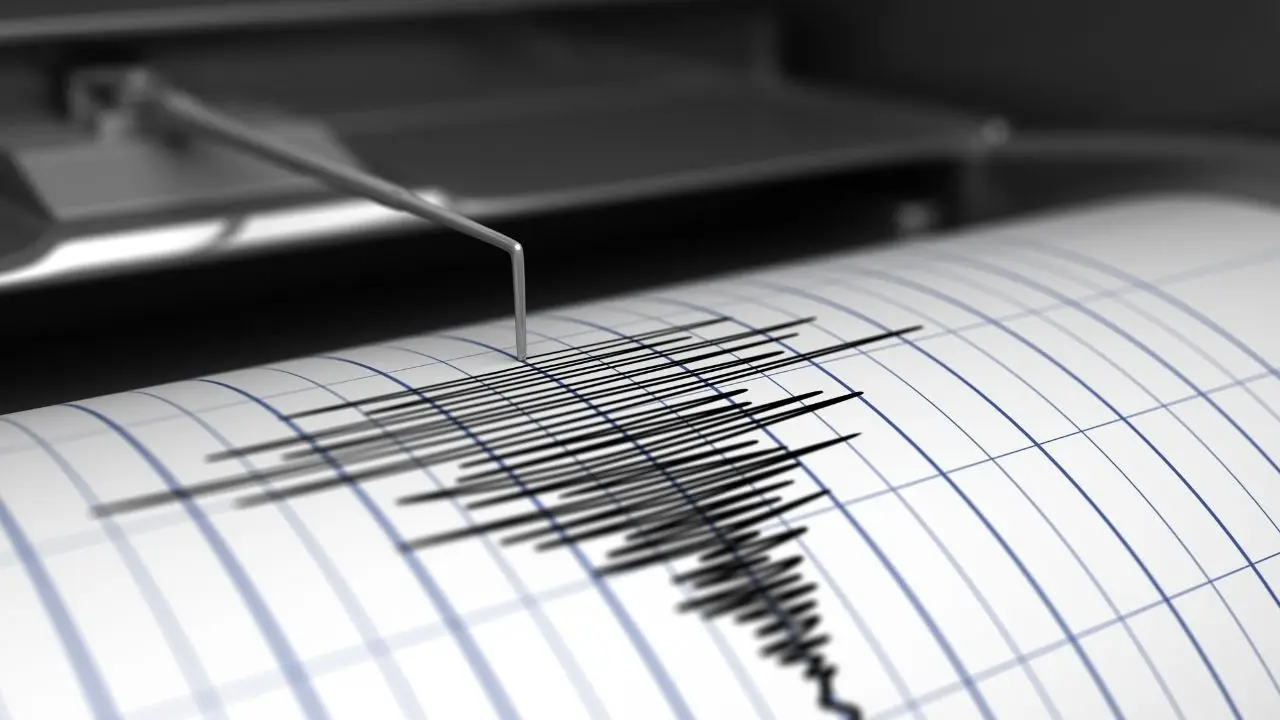
Northern California Shaken by Early Morning 4.6 Earthquake
A 4.6 magnitude earthquake struck near Boulder Creek, CA, early Thursday, shaking homes across a 100
Hillhouse Opens Abu Dhabi Office, Strengthens UAE Presence
Hillhouse Investment opens ADGM office with Category 3C license, boosting UAE and GCC investment act
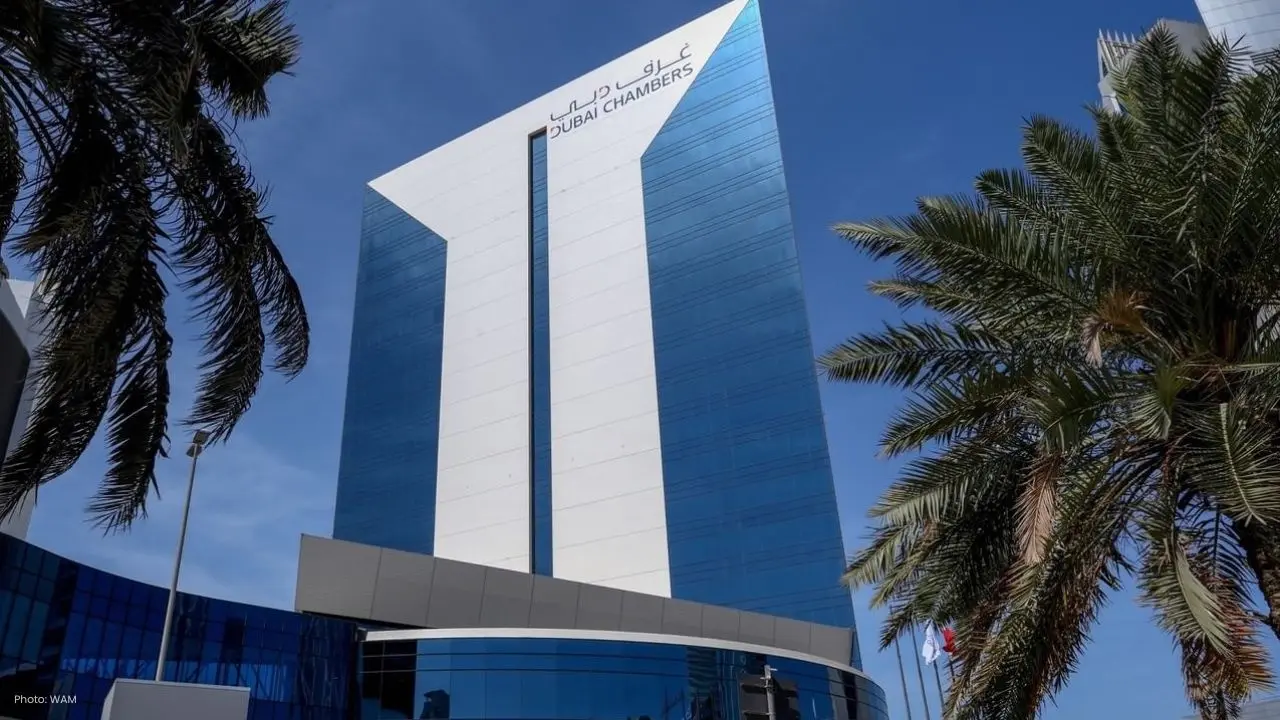
Dubai, China Strengthen Trade & Investment Cooperation
Dubai Chambers meets CCPIT Beijing to enhance trade, investment, and cooperation in digital economy,
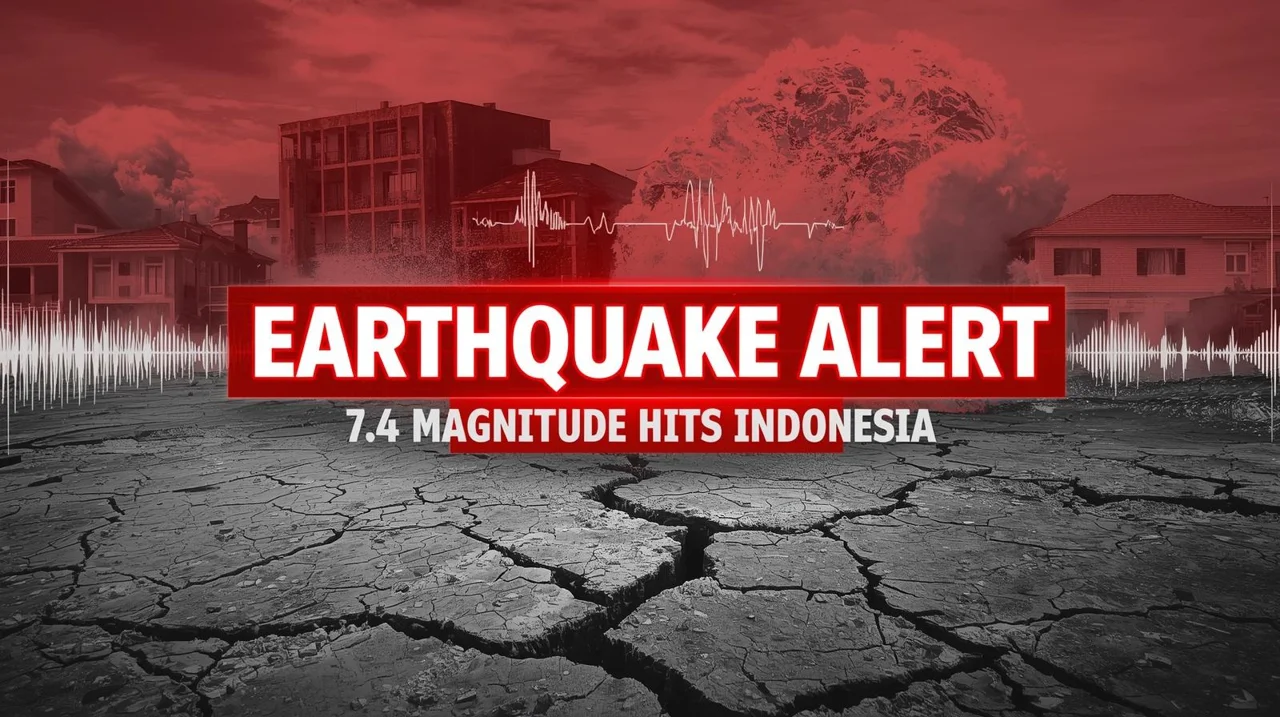
Indonesia Earthquake Today: 7.4 Magnitude Quake Triggers Tsunami Warning
A 7.4 magnitude earthquake hits Indonesia, prompting tsunami warnings and emergency evacuations. Get
Malaysia’s Economy Remains Steady Amid Global Tensions
Despite geopolitical risks, Bank Negara highlights Malaysia's strong economic fundamentals and endur
Abu Dhabi Fund Drives Global Development & UAE Export Growth
ADFD’s 2025 report highlights AED 250B financing, global projects, and UAE export support, strengthe

NASA Launches Artemis II Crew for 10-Day Lunar Mission
NASA launches Artemis II with four astronauts for a 10-day Moon mission, marking the first crewed lu
Dubai RTA, Ministry Partner for Family First Programme
Dubai RTA and Ministry of Family partner to enhance transport, urban spaces, and services under Fami

Bank of Baroda Faces Abu Dhabi Legal Battle over NMC Collapse
Bank of Baroda’s involvement in Abu Dhabi litigation tied to the NMC Healthcare collapse raises repu

Top Museum Openings of 2026 Set to Transform Global Tourism
From Los Angeles to Abu Dhabi and Brussels, 2026 brings major museum launches—Lucas Museum, Guggenhe

UAE Tour Highlights UAE’s Strength in Hosting Global Sports Events
Abu Dhabi Sports Council says the successful UAE Tour reflects the UAE’s leading role in hosting maj
EU Seeks Clarity from US After Supreme Court IEEPA Ruling
European Commission urges full transparency from the US on steps after Supreme Court ruling, emphasi
SpaceX Launches 53 New Satellites for Expanding Starlink Network
SpaceX launches 53 Starlink satellites in two Falcon 9 missions, breaking reuse records and expandin

RTA Awards Contract for Phase II of Hessa Street Upgrade in Dubai
Phase II of Hessa Street Development to add bridges, tunnel, and upgraded intersections, doubling ca