Post by : Sam Jeet Rahman
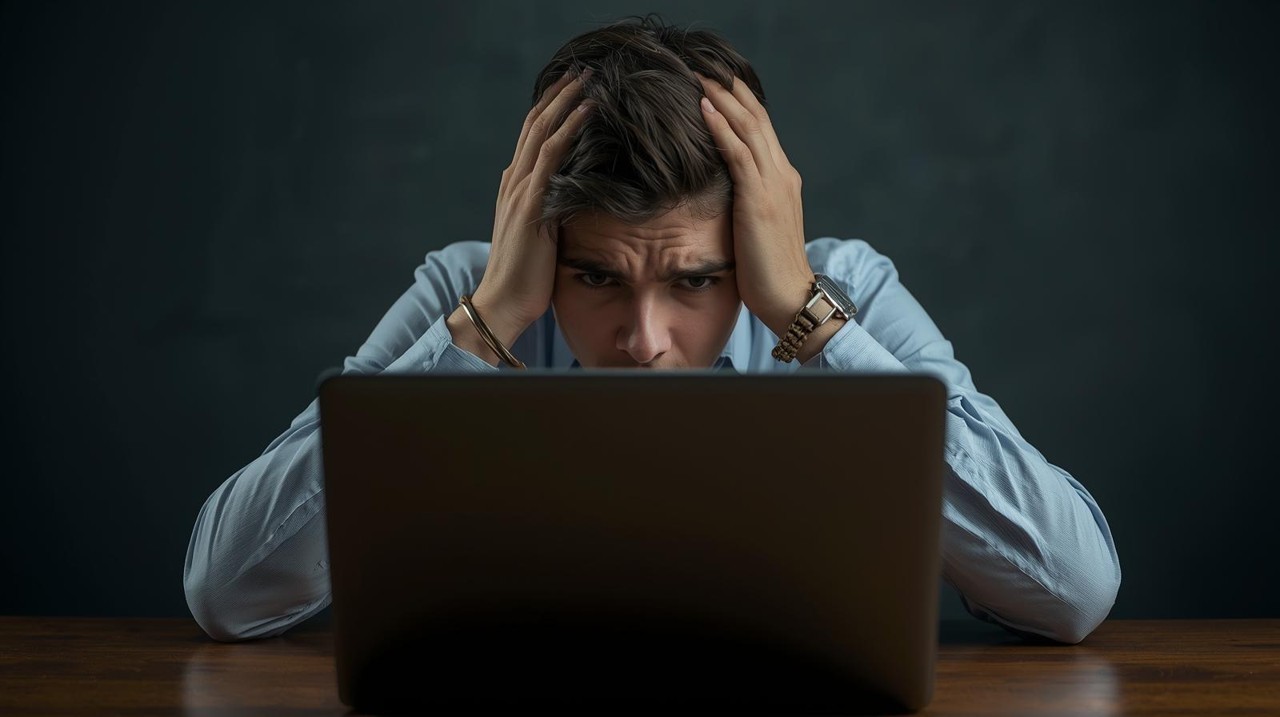
A slow laptop can interrupt work, reduce productivity, and create unnecessary frustration. Whether it’s due to outdated software, limited storage, or background processes eating up memory, most performance issues can be fixed with the right steps. By understanding how laptop resources are used and applying targeted optimisations, you can dramatically improve speed without buying a new device.
A major reason laptops slow down is high CPU and RAM usage caused by unnecessary apps running in the background. Open Task Manager (Windows) or Activity Monitor (Mac) to identify apps consuming resources. Close everything that isn’t essential. Heavy apps like browsers with multiple tabs, design tools, or games often slow the system.
Outdated OS versions often cause bugs, memory leaks, and performance issues. Keeping your system updated installs critical security patches, improved performance features, and driver upgrades for hardware stability. Update:
System OS
Graphics drivers
Device firmware
These updates often give an instant performance boost.
A laptop with nearly full storage slows down significantly. Remove large unused files, old downloads, and temporary junk data. Use built-in tools like Disk Cleanup or Storage Management to free space. Keeping at least 20–25% free storage improves system performance.
Many users install apps once and never use them again. These programs consume storage and sometimes run background tasks. Uninstalling them saves system resources and improves speed. Focus on removing trial apps, duplicate utilities, and heavy software you rarely use.
Too many startup programs slow your laptop during boot. Disable unnecessary apps from auto-launching. Tools like Task Manager’s Startup Tab let you control what loads when the laptop turns on. Reducing startup load makes the system faster instantly.
Malware is a common cause of sudden system slowdowns. Use a reliable antivirus to scan your laptop. Harmful programs often consume CPU power, steal data, or run hidden processes. Eliminating malware brings back normal performance.
If your laptop still struggles during multitasking, upgrading RAM is one of the best long-term improvements. More RAM reduces lag, improves app handling, and speeds up heavy tasks. For older laptops, adding 8GB or 16GB RAM often transforms performance.
Replacing a traditional hard drive with an SSD (Solid-State Drive) is the most powerful speed upgrade you can make. SSDs significantly accelerate boot time, app loading, file access, and overall responsiveness. Even older laptops feel brand new after switching to an SSD.
Browsers and applications store cache files that accumulate over time. Clearing them frees up space and removes corrupted data that may slow down apps. Use built-in cleaners or tools like Disk Cleanup (Windows) and Optimize Storage (Mac).
Too many browser extensions consume memory and make the laptop lag. Remove unnecessary add-ons and only keep essential ones. This improves both browsing experience and overall system performance.
Modern operating systems use animations that consume graphics resources. Turning off heavy visual effects improves speed, especially on older laptops. Disable:
Animation effects
Fancy transitions
Transparent backgrounds
This provides smoother performance without affecting usability.
Many users keep their laptops in sleep mode for days. Restarting clears memory, closes stuck processes, and refreshes the system. A simple restart often solves minor lags instantly.
Storing large videos, project folders, or photos locally slows the laptop. Move heavy data to cloud storage to free space. This also ensures better backup and protects against local memory overload.
Using power-saving mode reduces performance by limiting CPU power. Switching to Balanced or High Performance mode speeds up tasks. Also, ensure the laptop doesn’t throttle performance due to overheating or low battery.
Dust in cooling vents causes overheating, forcing the laptop to slow down to protect itself. Cleaning fans and vents improves airflow and maintains consistent speed. Overheating is a major hidden cause of sudden performance drops.
This article provides general information on laptop performance improvement techniques. It does not replace professional technical support. Users should consult certified technicians for hardware upgrades, device-specific issues, or persistent system problems.

Dubai Launches Commercial Driverless Taxis with Apollo Go
Dubai Taxi Company partners with Baidu’s Apollo Go to launch driverless taxis, advancing Dubai’s sma

Amelia Kerr Leads NZ to Record ODI Run Chase Against SA
Amelia Kerr’s unbeaten 179 powers New Zealand to record-breaking 348-run chase, beating South Africa
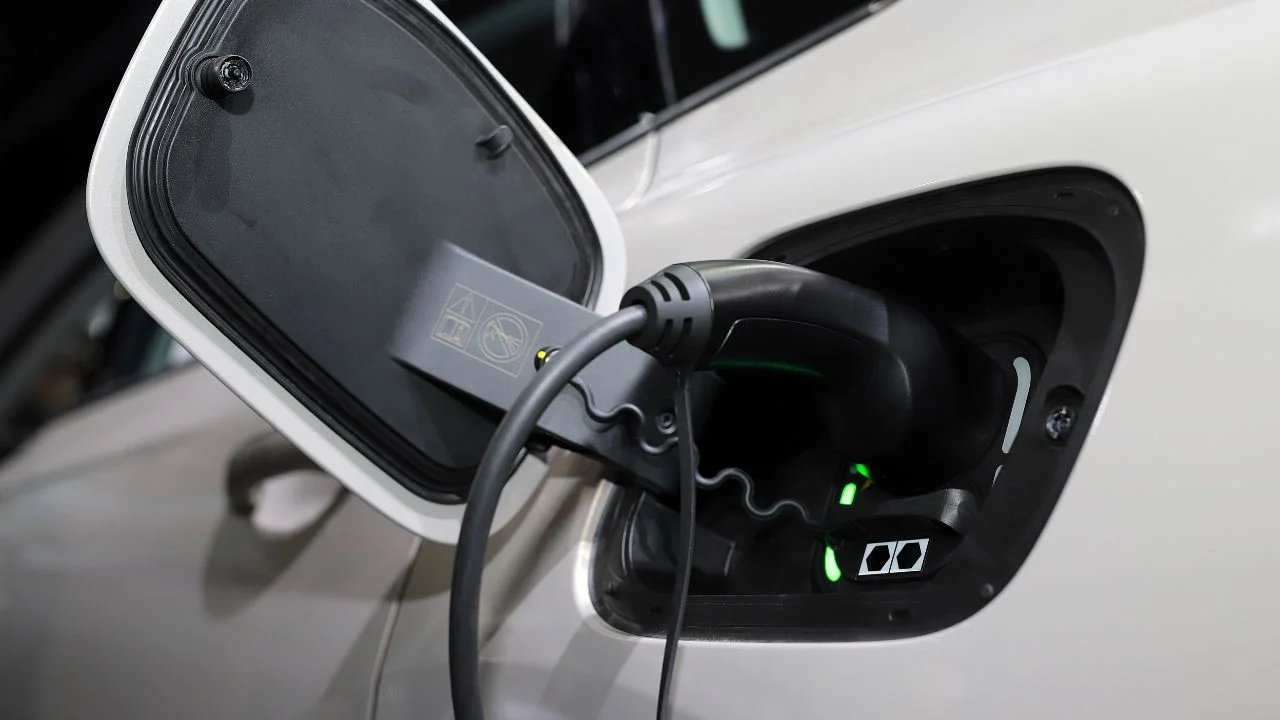
Sharjah Issues New Rules for Electric Vehicle Chargers
Sharjah’s Executive Council sets rules for EV charging stations, detailing installation, tariffs, sa
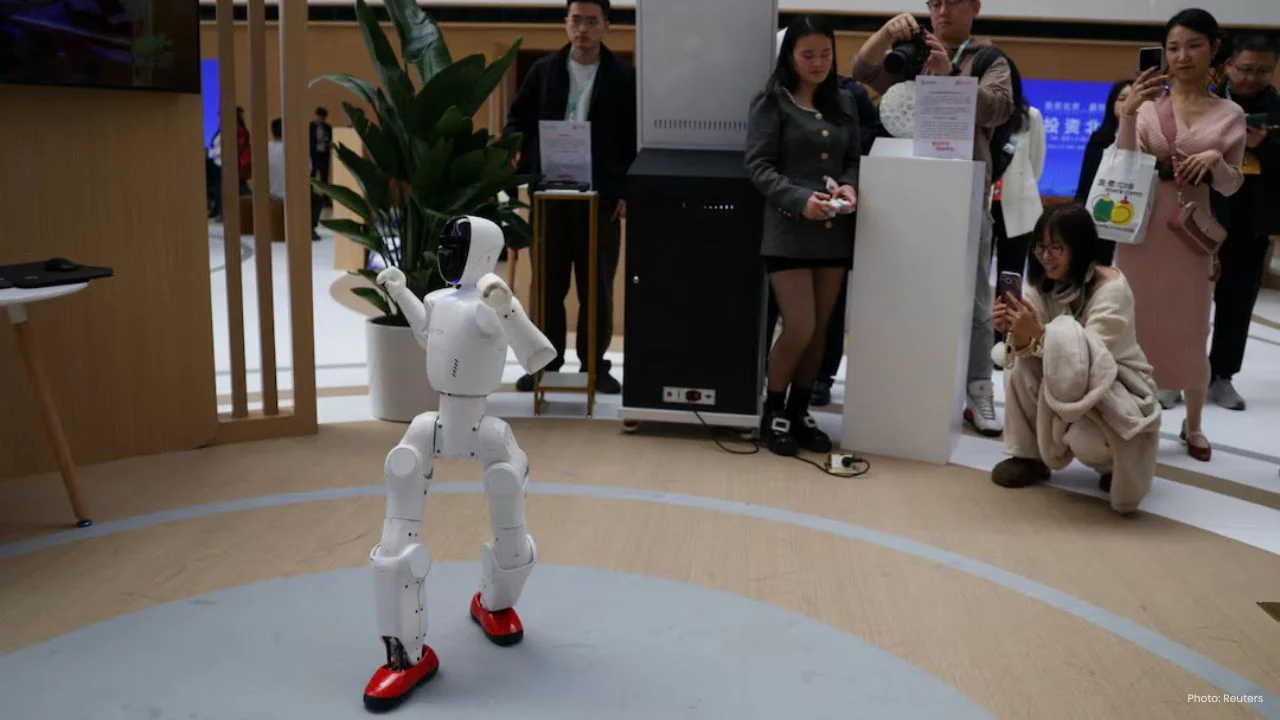
China VC Funding Hits Record on State-Driven Tech Push
China’s venture capital fundraising is set to hit a record in Q1 2026, led by state-backed investors

Russian Military Plane Crash in Crimea Kills 29 People
A Russian An-26 military plane crashed in Crimea, killing 29 onboard. Authorities suspect technical
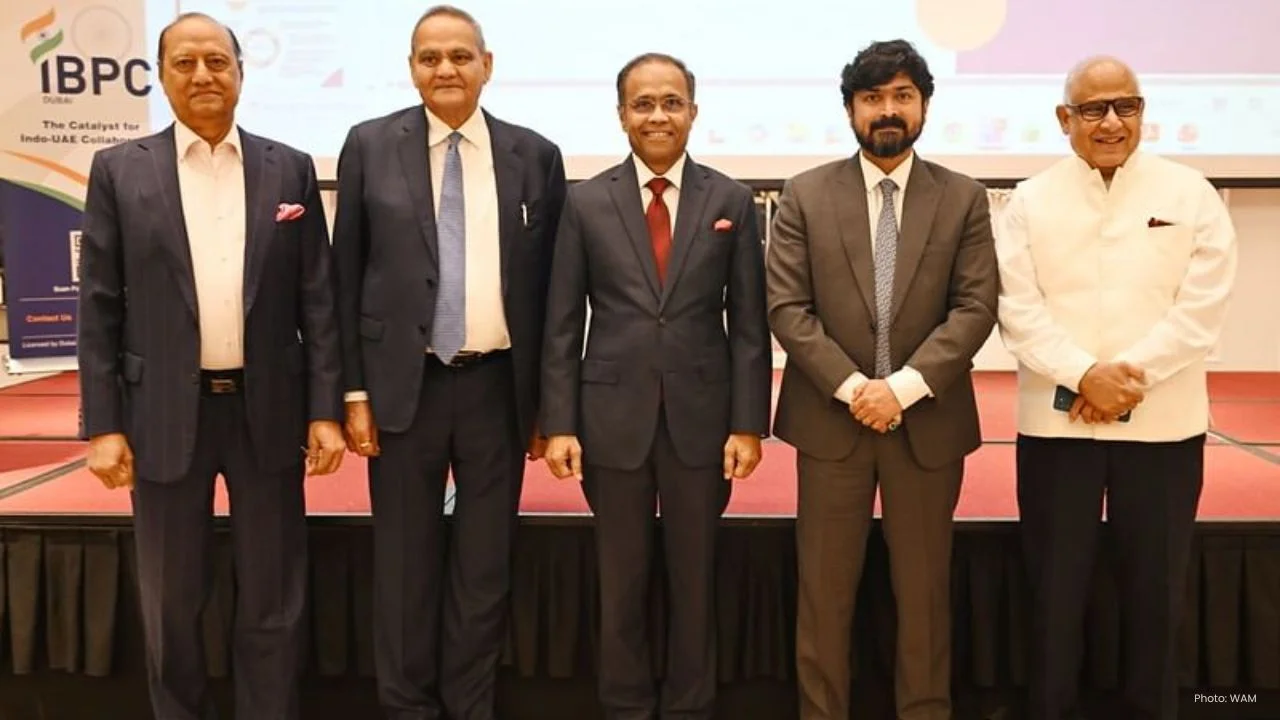
IBPC Dubai AGM Strengthens India-UAE Economic Ties
IBPC Dubai AGM highlights growth, inclusivity, and upcoming conclaves, reinforcing India-UAE economi

EU Urges Protection of UNIFIL After Peacekeeper Deaths
EU nations demand protection of UNIFIL forces after deadly attacks, urging restraint and warning aga


Bank of Baroda Faces Abu Dhabi Legal Battle over NMC Collapse
Bank of Baroda’s involvement in Abu Dhabi litigation tied to the NMC Healthcare collapse raises repu

Top Museum Openings of 2026 Set to Transform Global Tourism
From Los Angeles to Abu Dhabi and Brussels, 2026 brings major museum launches—Lucas Museum, Guggenhe

UAE Tour Highlights UAE’s Strength in Hosting Global Sports Events
Abu Dhabi Sports Council says the successful UAE Tour reflects the UAE’s leading role in hosting maj

EU Seeks Clarity from US After Supreme Court IEEPA Ruling
European Commission urges full transparency from the US on steps after Supreme Court ruling, emphasi

SpaceX Launches 53 New Satellites for Expanding Starlink Network
SpaceX launches 53 Starlink satellites in two Falcon 9 missions, breaking reuse records and expandin

RTA Awards Contract for Phase II of Hessa Street Upgrade in Dubai
Phase II of Hessa Street Development to add bridges, tunnel, and upgraded intersections, doubling ca

UAE Gold Prices Today, Monday 16 February 2026: Dubai & Abu Dhabi Updated Rates
Gold prices in UAE on 16 Feb 2026 updated: 24K around AED 599.75/gm, 22K AED 555.25/gm, and 18K AED
Over 25 Ahmedabad Schools Receive Bomb Threat Email, Authorities Investigate
More than 25 schools in Ahmedabad evacuated after bomb threat emails mentioning Khalistan. Authoriti